AI Agent Platforms: How to Choose the Right One for Your Project
Direct Answer
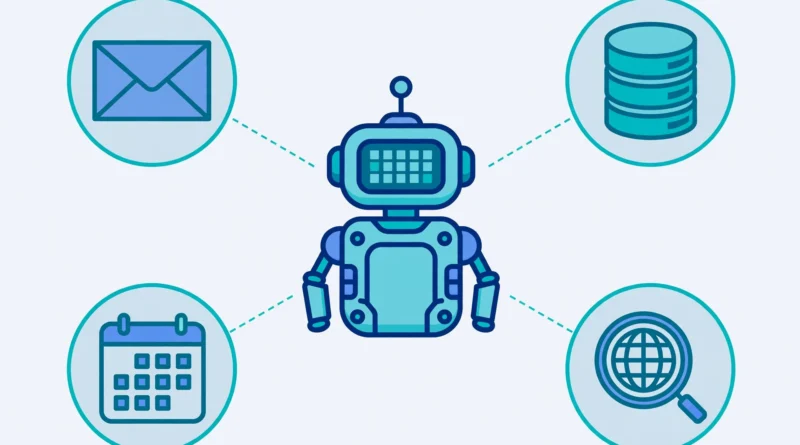
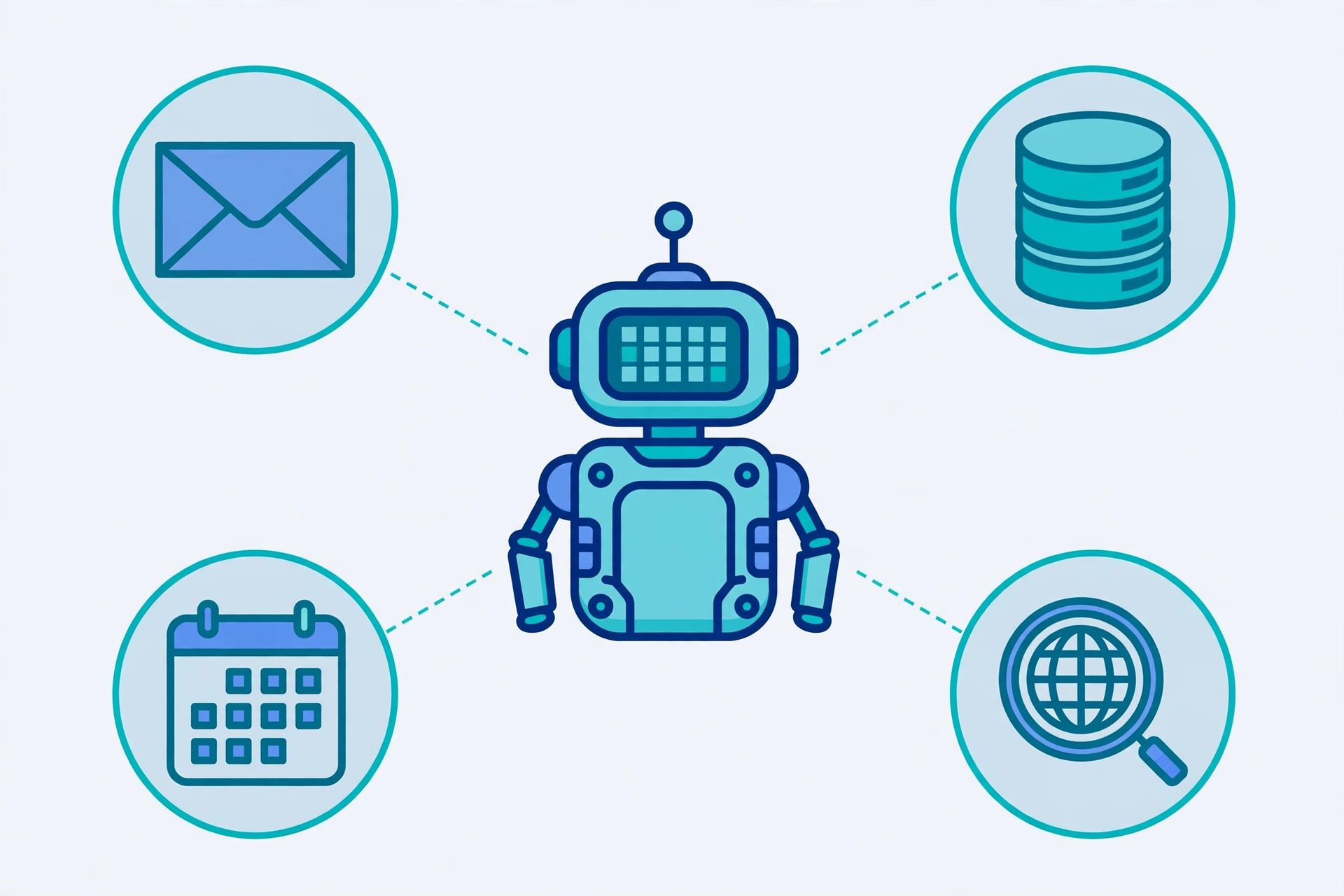
AI agent platforms are software that lets you build, run and manage AI agents: programs that take a goal, decide the next steps, call tools such as email, databases or web search, check the result, and keep going until the task is done or it needs a human. Unlike a chatbot, which mainly answers one message at a time, an agent can carry out a multi-step job on your behalf. The right platform depends less on which one is “best” overall and more on who will build the agent, where it will run, what tools it may touch, and how much control and oversight you need.
Key Takeaways
- An AI agent platform gives you the model, the agent loop, tools, memory and monitoring in one place; a framework is a code library you build with yourself.
- A chatbot answers. An automation follows a fixed chain of steps. An agent decides the next step based on intermediate results.
- The five main types are no-code builders, developer frameworks, cloud agent services, enterprise orchestration stacks and open-source or self-hosted runtimes.
- Start with one small, measurable task, a short list of approved tools, and a human approval step for anything irreversible.
- Buy a platform for a common internal task and speed; build with a framework when the agent is part of your product or your data must stay on your own infrastructure.
- Never give an agent broad permissions at the start. Least privilege, spending and action limits, and a run log are not optional extras.
- Pricing is usually usage-based as well as subscription-based, so cap runs, steps and tool calls before you let an agent loose on real work.
What Is an AI Agent Platform?
An AI agent platform is the software you use to build, run and govern AI agents. An agent, in this sense, is a program powered by a language model that pursues a goal rather than just producing text. Give it a goal such as “find the support emails about billing from today and draft a reply for each one,” and it can read the emails, decide which ones match, call the right tools, draft the replies and report back. If a tool call fails or the result looks wrong, a well-built agent can retry, try another approach, or stop and ask a human.
That is the key difference from the tools most people already know. A chatbot responds to a message. A traditional automation runs a fixed chain: if this happens, do that, in that order, every time. An agent adds a decision step: it looks at what just happened and chooses what to do next from the tools you have allowed it to use. That flexibility is useful for messy, real-world work, and it is also why agents need guardrails. Left unconstrained, an agent can loop, burn through usage, or confidently finish the wrong task.
A complete platform usually covers four layers, even if different vendors name them differently:
| Layer | What it does | Why it matters |
|---|---|---|
| Model | The language model that reasons and decides | A stronger model follows instructions better over long, multi-step tasks; a smaller model is cheaper for simple tasks |
| Agent loop and runtime | Runs the plan-act-check loop, hosts it so it keeps running, and keeps state across steps | Without a runtime, an agent stops when your laptop sleeps or the tab closes |
| Tools | APIs, databases, browsers, code execution and other systems the agent may act on | An agent is only as useful as the tools you safely connect to it |
| Memory and governance | Short-term context, longer-term memory, permissions, approvals, tracing and evaluation | This is what makes an agent auditable instead of a black box |
Our guide to the best AI tools covers single-purpose tools for writing, research and images. This guide is about the next step up: the platforms that let an agent use several tools in sequence to finish a job. And if you want the background first, our beginner’s guide to what artificial intelligence is explains the model side in plain terms.
How Is an AI Agent Platform Different From a Chatbot or Automation?
This distinction decides whether you need a platform at all, so it is worth getting right before you compare products.
- Chatbot: You ask, it answers. It may remember the conversation, but it does not go off and complete a multi-step job in your other systems.
- Automation: A fixed workflow runs the same steps in the same order. It is predictable and cheap, and it is the right choice when the steps never change.
- Agent: The model decides the next step from the tools available, based on intermediate results. It can handle variation — for example, a missing attachment, a changed order status, or an unclear request — by checking and adjusting.
A useful test is: if you can write down every step in advance and the steps never vary, use automation, not an agent. If the steps depend on what is found along the way, an agent may earn its extra cost and complexity. Many real projects use both: plain code for collecting and saving data, and an agent only for the steps that genuinely need judgement, such as summarising, ranking or drafting.
The 5 Types of AI Agent Platforms
Comparison lists mix these types together, which is why choosing feels confusing. Sorting a platform into one of these five types first makes the rest of the decision much easier.
| Type | Who builds the agent | Best for | Main limit |
|---|---|---|---|
| No-code agent builders | Operations or business teams, in a visual editor | Internal automations, support triage, scheduling, simple assistants | Hard limits on complex logic, testing and scale |
| Developer frameworks | Developers, in code | Custom logic, multi-step integrations, agents built into a product | You build and host the runtime yourself |
| Cloud agent services | Developers, on a managed cloud | Custom agents next to data you already keep in that cloud | Engineering is still needed, and you are tied to one cloud |
| Enterprise orchestration stacks | Platform and engineering teams | Governance, identity, audit trails, agent fleets, regulated work | Heavier setup, and usually priced for larger teams |
| Open-source and self-hosted runtimes | Developers or technical teams | Maximum control, transparency and data staying on your own machines | You own hosting, updates, security and uptime |
No-code builders commonly named in current guides include n8n, Zapier, Lindy and MindStudio. Developer frameworks commonly named include LangGraph and CrewAI. Cloud agent services commonly named include Amazon Bedrock AgentCore, Google’s Gemini platform and Microsoft Foundry. Enterprise stacks add identity, permissions and observability around those same building blocks. Open-source options let you inspect and host the code yourself, at the cost of doing the operations work.
None of these types is universally better. A no-code builder that ships a working support-triage agent this week beats a framework that is still being set up next month, if the task is simple and internal. A framework beats a no-code builder when the agent’s rules are your competitive advantage and you need full control over every step.
AI Agent Platform vs Framework: Which Do You Actually Need?
This is the single most useful question in the whole comparison, and it comes down to ownership.
A platform is a product you subscribe to and run on the vendor’s terms. You configure an agent instead of writing it from scratch, and the vendor runs the loop, the hosting and much of the monitoring. You trade some control for speed.
A framework is a library your developers build with and run themselves. LangGraph, for example, lets you model an agent as a graph of steps, with state carried between steps and cycles that let the agent retry and reconsider. You own the code, the hosting and the operations, and you can change anything — but you also have to build the runtime, the permissions and the monitoring around it.
Ask these three questions:
- Is the agent part of the product you sell, or a tool for internal work? If it is part of your product, favour a framework or a cloud service you control. If it is internal, favour a platform.
- Must your data stay on your own infrastructure? If yes, favour a framework or self-hosted runtime.
- How fast must the first useful version ship? If speed matters most and the task is common, favour a platform or no-code builder.
If you are still unsure, start with a platform for the pilot. You will learn what the agent actually needs — which tools, which approvals, which failure modes — and that evidence makes a later build-or-buy decision far better than a guess made now.
What Is Agent Mode in ChatGPT?
Agent mode in ChatGPT is a built-in feature inside ChatGPT, not a general-purpose AI agent platform. It lets ChatGPT carry out multi-step tasks in its own environment, such as researching a topic, working through a set of steps and producing a result, rather than only answering a single prompt.
That makes it useful for personal and one-off tasks inside the ChatGPT app. It is not the same as building your own agent platform, because you do not get to define your own tools, connect it freely to your company’s systems, set your own approval rules, or run it as a scheduled service under your own governance. Think of it this way: agent mode is an agent you use; an AI agent platform is a place where you build, run and govern agents of your own. If your need is “help me do this task today,” agent mode may be enough. If your need is “run this job for my team every day, with our tools and our rules,” you need a platform or framework.
What Is AI Agent Workflow Automation?
AI agent workflow automation is a workflow in which at least one step is decided by an agent rather than fixed in advance. A plain automation is a chain: collect these items, format them, save them. An agent workflow adds a step that looks at intermediate results and decides what happens next: rank these ten items, discard the irrelevant ones, draft about the survivors, and flag anything uncertain for a human.
That one difference explains both the power and the risk. The power is that the workflow can handle variation without you writing a rule for every case. The risk is that the deciding step can be wrong, and a wrong decision early in the chain compounds through every later step. The fix is the same as for any agent: a small number of well-defined tools, clear success criteria, a human gate before anything ships or is sent, and a log you can inspect afterwards. Start with one workflow you already run every week, not with a grand plan to automate everything at once.
How to Build an Agent: A Practical 6-Step Process
You do not need a platform shortlist to start. You need a task, a boundary and a test.
Step 1: Pick one small, measurable task
Choose a task you already do every week, and define success in measurable terms. Not “improve customer support,” but “identify support emails about billing from today and draft a reply for each one, with no reply sent without a human approving it.” Include the constraints up front: which inbox, which date range, what the agent must never do.
Step 2: Choose the platform type, not the brand
Use the five-type table above. No-code for a simple internal job, a framework for custom product logic, a cloud service if your data already lives in that cloud, an enterprise stack if governance is the main requirement. The brand shortlist comes after this choice, not before it.
Step 3: Give the agent few, well-described tools
List exactly which systems the agent may touch, and write a simple function for each one: fetch emails, create a draft, search a database. Every tool is a permission. An agent with twenty tools is harder to test, harder to secure and more likely to pick the wrong one than an agent with five good tools. Do not hand the agent a tool when a direct, deterministic function call is faster and safer.
Step 4: Write instructions and guardrails, not just a prompt
Instructions should state the role, the task, the success criteria, the limits and what to do when unsure: stop and report, never guess, never send, never pay, never delete. OpenAI’s practical guide to building agents makes the same point in its design foundations: a reliable agent needs a model, tools and explicit instructions with guardrails. Keep instructions short enough to test, and version them like code, so you can tell which version produced which result.
Step 5: Test the same task several times before scheduling it
Run the agent on the same real task five times with different inputs, and log three things each time: whether the output survives light editing, how many steps and tool calls it took, and where it went wrong. Fix the instructions or the tools, not the model, first. Most early failures are unclear instructions, missing context or too many tools — not a model that is too weak.
Step 6: Add a human gate and monitoring, then schedule it
Before anything is sent, published, paid or deleted, a human approves it. Log every run: the goal, the tools called, the result and any errors. Review the log weekly at first. Only remove the human gate for a step once that step has passed repeatedly with no surprises, and even then keep the log and the caps on steps, cost and tool calls.
Buy vs Build: A Decision Table
| Situation | Better choice | Why |
|---|---|---|
| A common internal task, such as triage, summaries or drafting | Buy a platform | It is a solved problem, and speed matters more than control |
| The agent is part of the product you sell | Build with a framework | It is your intellectual property and your differentiator |
| Your workflow rules and data are your advantage | Build, or use a cloud service you control | You keep the rules and the data under your own governance |
| Data must stay on your own infrastructure | Build or self-host | A vendor-hosted platform cannot meet that requirement |
| You need a working pilot this week to learn from | Buy, then decide | The pilot gives you evidence for a later build decision |
| You need identity, audit and fleet governance at scale | Enterprise stack or cloud service | Governance is the product, not an add-on |
Lock-in deserves its own check. Keep your prompts, tool definitions and evaluation tests in your own repository, not only inside a vendor’s interface. Prefer platforms with standard APIs and documented export, so switching later means moving configuration, not rebuilding from scratch.
What Does an AI Agent Platform Cost?
No honest guide can give you one price, because pricing varies by vendor and by how much the agent actually runs. Most platforms combine some or all of these: a subscription for the platform, usage charges for the model, and charges for runs, steps or connected tools. A cheap-looking platform can become expensive if an agent loops, retries endlessly, or calls an expensive model for a trivial task.
Before you commit, ask the vendor or check its pricing page for these five things, and test them in a pilot:
- Is there a free tier, and what does it actually include — runs, agents, tools, or only a trial period?
- Are model costs included, or billed separately on top of the subscription?
- Can you cap runs, steps, tool calls and spending per agent, per day?
- What happens when a run fails halfway — are you charged for the failed steps?
- Can you export your prompts, tools and logs if you leave?
Set the caps before the first real run, not after the first surprising bill. A pilot that runs the same real task through two shortlisted platforms, with the same data and the same success measure, tells you more about true cost than any pricing page.
Safety, Permissions and Governance
An agent that can act is an agent that can make mistakes with real consequences, so permissions are the most important design choice, not a detail to add later.
- Least privilege: Give each agent only the tools and data it needs for its one task. A drafting agent does not need permission to send email; a reporting agent does not need permission to delete records.
- Approvals for irreversible actions: Sending, paying, publishing and deleting should require a human approval, at least until a step has a long, clean track record.
- Data boundaries: Decide what the agent may read and what it may never touch — payroll, health records, customer payment details — and enforce that in the tool list, not just in the instructions.
- Logs and tracing: Every run should record the goal, the tools called, the data returned and the final result, so you can answer “why did it do that?” afterwards.
- Evaluation: Keep a small set of test tasks with known good answers, and re-run them whenever you change the model, the instructions or the tools. A change that improves one task and breaks two others is not an improvement.
If a platform cannot show you a run log, cannot restrict a tool, or cannot require approval for an external action, that is a reason to shortlist a different platform, however good its demo looks.
Common Mistakes to Avoid
- Choosing by the demo. Demos hide the operational work: hosting, permissions, monitoring and failure handling. Judge a platform by a pilot on your own task.
- Giving the agent too many tools. More tools mean more chances to pick the wrong one. Start with five or fewer.
- Automating a task you have not defined. If you cannot state success in measurable terms, an agent cannot reliably achieve it either.
- Skipping the human gate. The first version of an agent should draft, suggest and report — not send, pay or publish on its own.
- No evaluation set. Without test tasks, every change is a guess, and regressions go unnoticed until a customer finds them.
- Ignoring cost caps. Loops and retries are normal in agent work; uncapped loops are a billing incident waiting to happen.
FAQ
Do I need to know how to code to use an AI agent platform?
Not necessarily. No-code builders are designed for business and operations teams, and agent mode inside a chatbot app needs no code at all. Developer frameworks and self-hosted runtimes do need coding, and cloud services need engineering even though the hosting is managed. Choose the type that matches your team’s skills, not the one with the longest feature list.
Is an AI agent platform the same as an AI chatbot?
No. A chatbot answers messages. A platform lets you build agents that plan, use tools, check results and complete multi-step tasks, with memory, permissions and monitoring around them. A platform may include a chat interface, but the chat is only the front door.
Can I trust an agent with email, payments or customer data?
Only within strict boundaries: least-privilege tools, human approval for irreversible actions, and a complete run log. Start with read-only and drafting tasks, prove reliability over repeated runs, and only then widen permissions step by step. Never start with broad write access to money, email or customer records.
Should I start with a free tier?
A free tier is a good way to run a pilot and learn what your agent actually needs, provided you check what it includes and what happens when you exceed it. Use the pilot to measure steps, cost and failure modes on your real task, then choose a paid plan based on that evidence, not on the feature list.
Conclusion
AI agent platforms are not one product, and there is no single best choice. They are five different kinds of tool — no-code builders, developer frameworks, cloud services, enterprise stacks and self-hosted runtimes — and the right one follows from your task, your team, your data rules and your need for oversight. Start with one small, measurable job, give the agent few tools and clear guardrails, keep a human in the loop for anything irreversible, and judge platforms by a pilot on your own work. Done that way, an agent platform stops being a demo and becomes a reliable part of how your team gets work done.
To see how agents fit into the bigger picture — alongside quantum computing, solid-state batteries and humanoid robots — read our round-up of the latest technology news.